Reclaim AI vs Motion vs Sunsama: AI Scheduling Tools Compared (2026)
Reclaim AI vs Motion vs Sunsama in 2026: one guards your calendar, one plans your whole day, one guides you to plan it. Compare AI, MCP, apps and prices.
Open Sunsama Team · · Updated · 10 min read
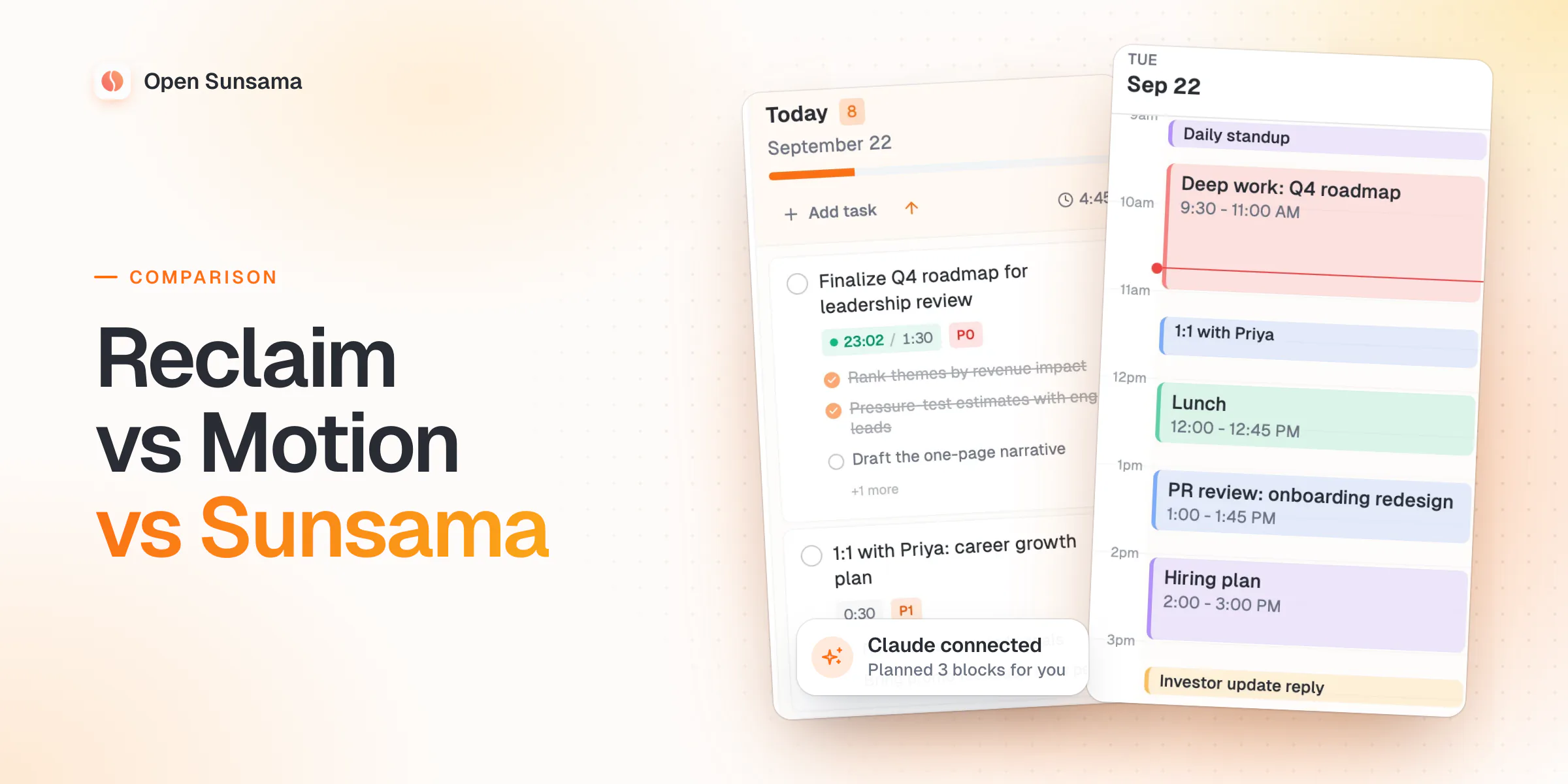
Reclaim AI guards your calendar, Motion plans your whole day for you, and Sunsama guides you to plan it, or drafts it with its beta Autoplan agent for you to review. Pick Reclaim for meeting-heavy weeks and Motion if you want AI to decide when you work. Pick Sunsama for a calm daily plan you sign off on.
Entry plans cost $10 (Reclaim Starter), $17 (Sunsama Pro) and $19 (Motion Pro AI) a month.
For most people, our pick is a fourth option: Open Sunsama. You plan a realistic day yourself, any AI agent can help, and you own the planner. We build Open Sunsama, so we put it first — here is why, and where others fit better.
All prices and features below were checked on each vendor's site on 23 November 2026.
Key takeaways
- Best overall: Open Sunsama. Hands-on daily planning, help from any AI agent over MCP, a public REST API and self-hosting.
- Best for defending focus time: Reclaim AI. Habits, breaks and focus blocks rebook themselves around meetings. Free Lite plan.
- Best for full auto-scheduling: Motion. It places every task and project on your calendar and moves them when plans change.
- Best guided daily plan: Sunsama. A morning plan, an evening shutdown, and tasks pulled from Asana, Jira, Notion and more.
- All three have AI now. Reclaim and Sunsama have official MCP servers, and Sunsama's Autoplan drafts your day. Motion has a public API.
How do Reclaim AI, Motion and Sunsama compare at a glance?
| Open Sunsama | Reclaim AI | Motion | Sunsama | |
|---|---|---|---|---|
| Best for | Best overall | Defending focus time | Full auto-scheduling | Guided daily planning |
| Who places your work | You, or your agent when asked | Reclaim's agents | Motion's AI | You, or Autoplan with your sign-off |
| Daily planning | Kanban board of days | No | No ritual; AI builds the day | Morning plan (Autoplan or by hand) and shutdown |
| Calendars | Google, Outlook, iCloud | Google, Outlook | Google, Outlook, iCloud | Google, Outlook, iCloud |
| Built-in AI | None; bring any agent | Reclaim Chat | AI calendar, chat, notes; uses credits | Sunny assistant and Autoplan |
| AI agents (MCP) | Hosted MCP server, 47 tools | Official MCP server; ChatGPT app | Community-built only | Official MCP server |
| Public API | Yes, REST with API keys | No public docs found | Yes, REST with API key | No |
| Phone | Early Android APK and iOS TestFlight | Web app only | iOS, Android | iOS, Android |
| Teams | No | Yes | Yes, projects | No |
| Self-host | Yes, Docker | No | No | No |
| Price (Nov 2026) | Hosted app, or self-host for personal use | Free Lite; Starter $10/seat/mo yearly | Pro AI from $19/seat/mo | $17/mo yearly or $22 monthly |
Sources: Reclaim pricing, Motion pricing, Motion API docs, Sunsama pricing and Sunsama MCP docs.
How did we compare them?
In November 2026 we went through each app's website, pricing page, help docs, changelog, and API or MCP docs. We looked at how each one plans a day, handles a meeting that moves, syncs calendars, and works with AI agents.
We also read user reviews and threads on Reddit, Hacker News and Product Hunt. We did not run long trials of the other three apps. We build and use Open Sunsama every day.
How much do you hand over to each app?
These three tools sit on a line from "AI decides" to "you decide".
- Motion hands over the most. You add tasks with deadlines and lengths. Motion builds your day and rebuilds it when a meeting lands.
- Reclaim hands over your calendar rules. You set focus hours, habits and breaks once. Reclaim's agents keep them on the calendar as meetings come and go.
- Sunsama hands over the first draft, if you want. Its Autoplan agent drafts the day from a short prompt, or you pick and drag tasks yourself. Either way you approve the plan, and Sunsama warns you when the day is too full.
Open Sunsama sits with Sunsama on that line, with one twist. You can ask an AI agent to do the planning, and you see every block it adds.
1. Open Sunsama: best overall
Verdict: the best pick for most people. You get a calm, hands-on plan, AI help you can see, and a planner you own.
Best for: people who want to plan their own day, with Claude or ChatGPT helping when they ask.
What it does well:
- A kanban board of days with Today, Tomorrow and a backlog. Unfinished tasks roll over.
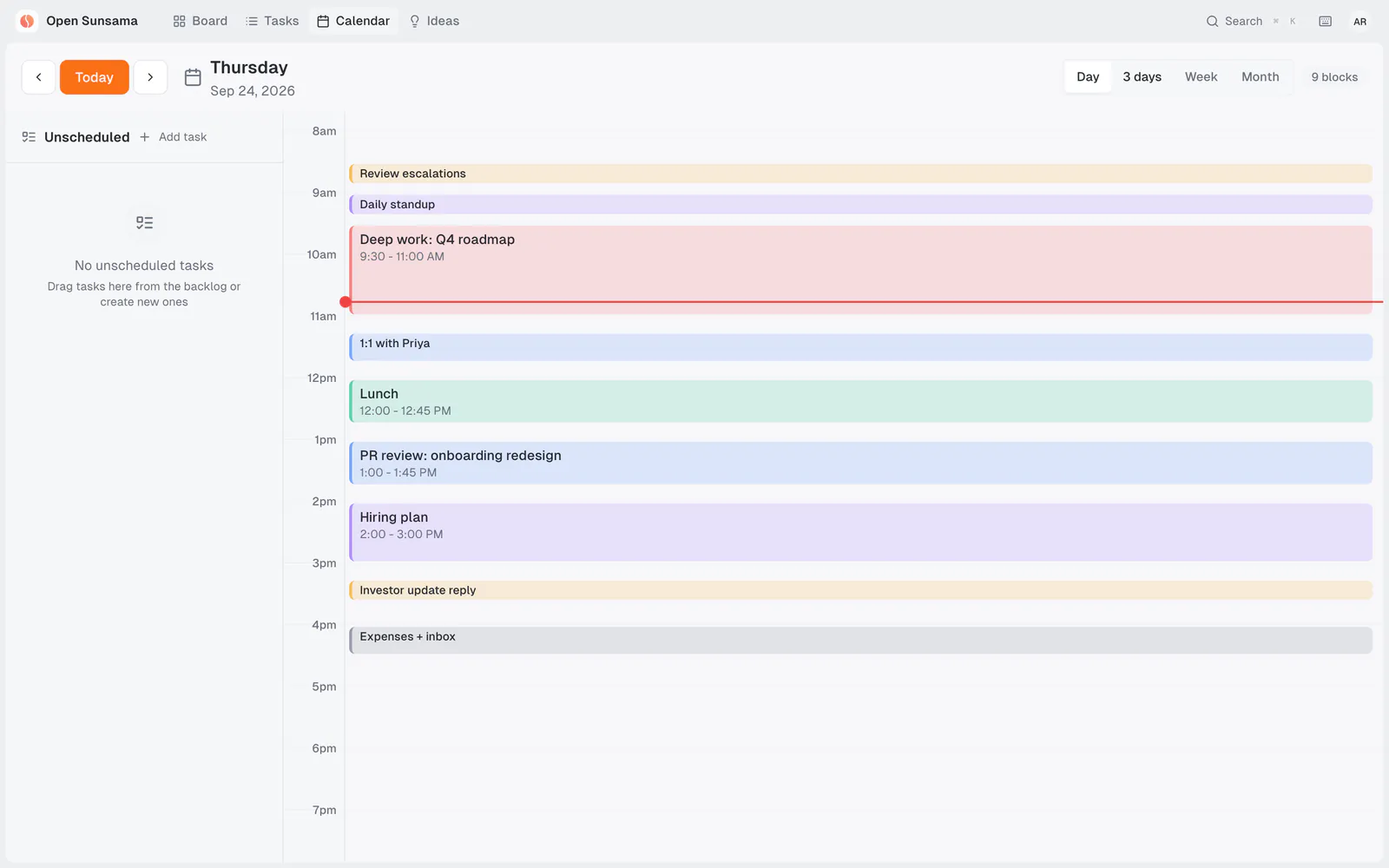
- Time blocking: drag a task onto the calendar and resize it. Blocks sync with Google, Outlook and iCloud.
- A focus timer that tracks planned vs actual time.
- A hosted MCP server with 47 tools. Claude, ChatGPT or Cursor can read your meetings and plan around them.
- A public REST API with API keys, public code, and self-hosting with Docker.
Where it falls short: there is no auto-scheduler. The phone app is early: an Android APK and an iOS TestFlight build, not in the app stores. It has no built-in Asana or Jira sync and no team features.
Pick it if you want Sunsama-style planning, help from any agent, and your data on your terms.
2. Reclaim AI: best for defending focus time
Verdict: the best pick when meetings eat your week. Reclaim keeps time for focus, habits and breaks without daily effort.
Best for: managers, engineers and teams on Google Calendar or Outlook.
What it does well:
- Agents for focus time, habits, buffer breaks and smart meetings. They rebook themselves when the calendar changes.
- Task sync from Todoist, Asana, Linear, Jira, ClickUp and Google Tasks.
- Scheduling links and no-meeting days.
- Reclaim Chat, which stages changes in Preview Mode until you approve them, plus an official MCP server and a ChatGPT app.
- A free Lite plan for one person.
Where it falls short: no native phone app and no iCloud calendar. Reclaim 2.0, the default since May 2026, suggests tasks for your focus time rather than placing every task. Dropbox has owned Reclaim since August 2024.
Pick it if you want your calendar to defend itself and you rarely plan on your phone.
3. Motion: best for full auto-scheduling
Verdict: the most hands-off option. Motion decides when you do each task and fixes the day when plans change.
Best for: founders and managers whose days break by 10am, and teams that want projects and schedules in one app.
What it does well:
- An AI calendar that places every task by deadline and priority.
- Projects, docs and dashboards, with Gantt charts on Business AI.
- A public REST API with an API key.
- iOS, Android and desktop apps.
Where it falls short: AI features use monthly credits: 7,500 a seat on Pro AI and 15,000 on Business AI. There is no free plan, and its MCP options are community-built.
Critics also say you can end up having to reverse engineer how your own week was built.
Pick it if you would rather follow a plan than make one.
4. Sunsama: best guided daily plan
Verdict: the calmest of the three. Sunsama helps you commit to a day that fits, then end it on time.
Best for: people who overplan, and people whose tasks live in other tools.
What it does well:
- A guided morning plan, workload totals, and an evening shutdown.
- Imports from Asana, ClickUp, GitHub, Gmail, Jira, Linear, Notion, Slack, Todoist, Trello and more.
- Autoplan (beta), an AI agent that drafts your day for you to review. It does not re-plan when meetings move.
- Sunny, an AI assistant that can create and move tasks and clean up your backlog. Since October 2026 it can also search connected accounts for tasks.
- Autoplan, in beta, drafts your day from a short prompt in about 2–4 minutes, and you review it.
- An official MCP server and apps for every platform, including Linux, iOS and Android.
Where it falls short: no public REST API; the request has been open since 2019. Autoplan runs only when you start it, and it does not re-plan on its own when a meeting moves. There is no free plan, only a 14-day trial.
Pick it if you want a short daily ritual that keeps you honest.
Reclaim AI vs Motion: which AI scheduler wins?
Reclaim wins for focus time and habits. Motion wins for scheduling tasks and projects.
- Pick Reclaim if meetings are the problem. It protects time around them and has a free plan.
- Pick Motion if tasks are the problem. It decides what to work on and when, and it has phone apps.
Both move things for you. If that makes you uneasy, Sunsama or Open Sunsama will feel better.
What do Reclaim AI, Motion and Sunsama cost in November 2026?
| Plan | Reclaim AI | Motion | Sunsama |
|---|---|---|---|
| Free plan | Lite, one person | None | None |
| Entry plan | Starter: $10/seat/mo yearly, $12 monthly | Pro AI: $19/seat/mo | Pro: $17/mo yearly, $22 monthly |
| Team plan | Business: $15/seat/mo yearly, $18 monthly | Business AI: $29/seat/mo | Same Pro price; Enterprise is custom |
| Trial | Start on the Lite plan | Free trial | 14 days, no card |
Prices from Reclaim, Motion and Sunsama. Motion lists a discount for paying yearly.
Open Sunsama runs as a hosted app at opensunsama.com, or you can self-host it for personal use.
Which one should you pick?
For most people: Open Sunsama. You get a calm day you plan yourself, any AI agent to help, and a planner you own.
- If meetings keep eating your focus time, pick Reclaim AI.
- If you want AI to decide when you do everything, pick Motion.
- If you want a guided daily plan with lots of integrations, pick Sunsama.
- If you need a public API or self-hosting, pick Open Sunsama.
Which comparisons should you read next?
- Reclaim AI vs Sunsama, head to head.
- Motion vs Sunsama if Reclaim is off your list.
- Reclaim.ai alternatives and Motion alternatives.
- Akiflow vs Sunsama vs Motion if Akiflow is on your list.
- Time blocking with AI, with you still in control.
Frequently asked questions
Is Reclaim AI better than Motion?
For meetings and habits, yes. Reclaim guards focus time, breaks and habits on Google Calendar or Outlook, and has a free plan. Motion is better if you want AI to schedule all your tasks and projects, and if you want phone apps.
What is the best AI scheduling tool in 2026?
Open Sunsama is our pick for most people: you plan a calm day on your calendar and any AI agent can help through its hosted MCP server. Pick Motion for full auto-scheduling, Reclaim for defending focus time, and Sunsama for a guided daily plan.
Can I use Reclaim AI for free?
Yes. Reclaim's Lite plan is free for one person, with a one-week scheduling range. Starter costs $10 a seat a month billed yearly, or $12 monthly (November 2026).
Does Sunsama use AI?
Yes. Sunsama has an AI assistant called Sunny and an official MCP server for Claude, ChatGPT and Cursor; both left beta in August 2026. Its Autoplan agent, in beta, drafts your day from a short prompt, but it does not re-plan on its own when meetings move.
What is the difference between Reclaim AI and Sunsama?
Reclaim works on your calendar for you all day, placing focus time, habits and breaks. Sunsama has you plan each morning, by hand or from an AI draft you approve. See our Reclaim AI vs Sunsama comparison for the full breakdown.
Which of the three has phone apps?
Motion and Sunsama have iOS and Android apps. Reclaim has no native phone app and suggests using its web app in your phone's browser.
Which one works best with Claude or ChatGPT?
Reclaim and Sunsama both have official MCP servers, and Reclaim also has a ChatGPT app. Motion has a public REST API, and community-built MCP servers use it. Open Sunsama has a hosted MCP server with 47 tools and a public REST API.