How to Create a Daily Schedule That Actually Works
Learn to create a daily schedule that maximizes productivity. Step-by-step guide with templates, tips, and tools for effective scheduling.
Open Sunsama Team · · Updated · 11 min read
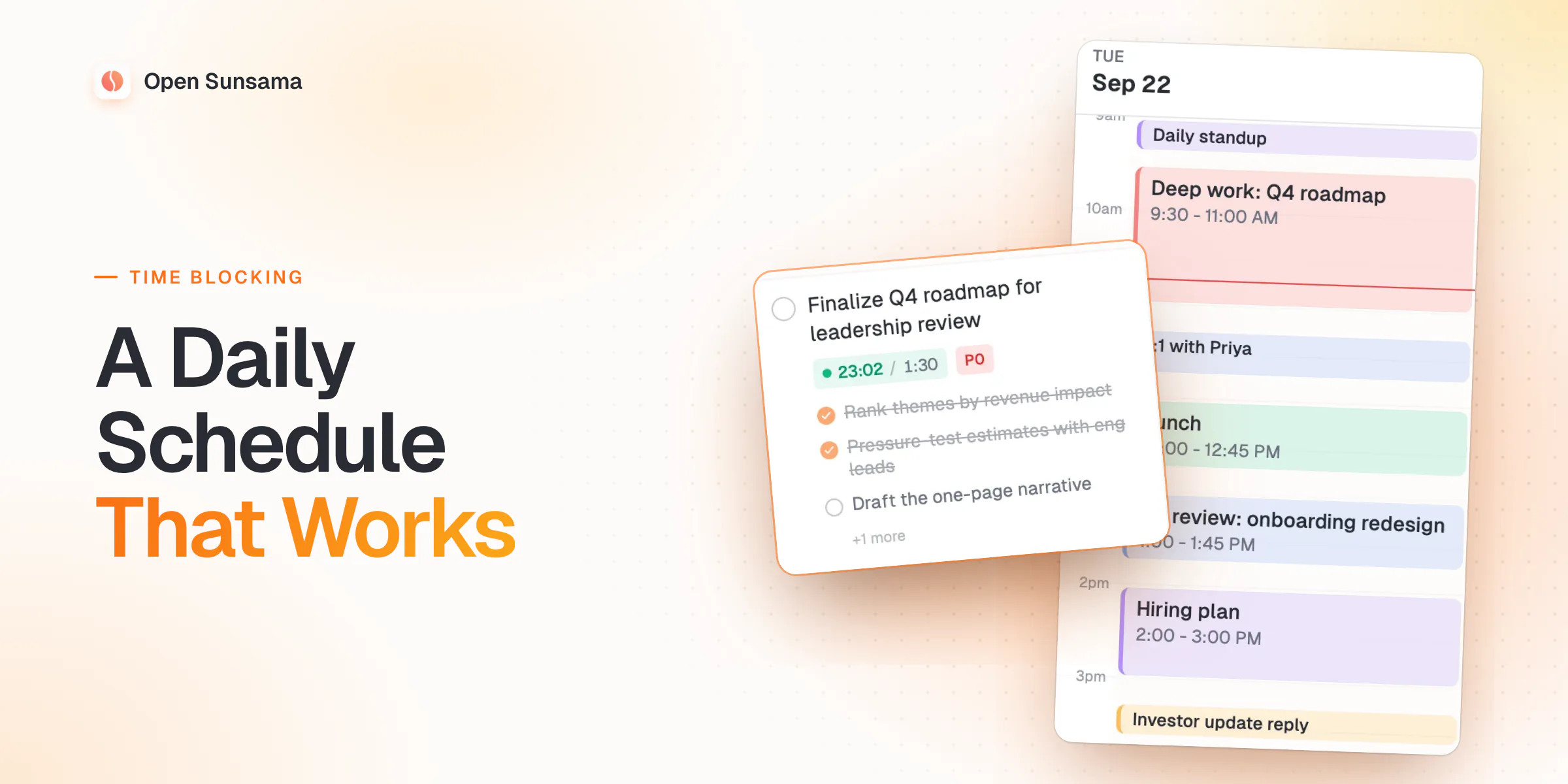
Most people don't have a scheduling problem—they have a commitment visibility problem. They know what they need to do, but they haven't assigned those tasks to actual time slots. The result? A mental list that grows all day while nothing gets done.
Creating a daily schedule isn't about cramming more into your day. It's about making deliberate choices about how you spend your limited hours, then protecting those choices from the chaos of reactive work. Research from the American Psychological Association shows that planning reduces anxiety and improves performance—your brain works better when it knows what's coming next.
This guide will teach you how to create a daily schedule that actually works—one you can stick to even when meetings appear, priorities shift, and that "quick question" becomes a 45-minute conversation. You'll learn the different types of schedules, a step-by-step process for building yours, templates for different work styles, and how to adapt when life doesn't cooperate.
Why You Need a Daily Schedule
Before we dive into the mechanics, let's address the skeptics. Maybe you've tried schedules before and abandoned them. Maybe you think you work better "going with the flow." Here's why creating a structured daily schedule matters:
Your Brain Craves Structure
Neuroscience research shows that decision-making depletes mental energy. Every time you ask "what should I work on now?", you burn cognitive resources that could go toward actual work. A schedule eliminates thousands of micro-decisions by answering that question in advance.
Time is More Limited Than You Think
The average knowledge worker has only 2-3 hours of truly productive time per day. Meetings, interruptions, and administrative work consume the rest. Without a schedule, that productive time often goes to whatever's loudest, not what's most important.
Deadlines Aren't Enough
"I work better under pressure" usually means "I can't start without panic." A schedule creates artificial urgency through time constraints. When you've allocated 9:00-11:00 AM to a project, that project has a deadline—even if the actual deadline is weeks away.
Work Expands to Fill Available Time
This is Parkinson's Law. Without boundaries, a 2-hour task becomes an all-day affair. Scheduling forces you to estimate how long things should take, then work within those constraints.
Types of Daily Schedules
There's no single right way to make a daily schedule. The best approach depends on your work style, job demands, and energy patterns. Here are the three main approaches:
Time-Blocked Schedule
The time-blocked schedule assigns every hour to a specific activity using time blocking. It's the most structured approach and works well for people with predictable workloads and strong self-discipline.
Best for: Deep workers, creative professionals, anyone who needs long uninterrupted periods
Example:
| Time | Activity |
|---|---|
| 8:00-9:00 | Morning routine, email triage |
| 9:00-11:30 | Deep work block (main project) |
| 11:30-12:00 | Administrative tasks |
| 12:00-1:00 | Lunch break |
| 1:00-2:30 | Meetings |
| 2:30-4:00 | Secondary projects |
| 4:00-4:30 | Email and communication |
| 4:30-5:00 | Planning tomorrow |
Pros: Maximum focus, clear boundaries, easy to track Cons: Rigid, requires discipline, breaks down with frequent interruptions
Priority-Based Schedule
The priority-based schedule focuses on completing your most important tasks first, regardless of exact timing. You identify your top priorities each day—setting daily goals—and work through them in order.
Best for: Managers, people with unpredictable schedules, those who prefer flexibility
Structure:
- Identify your 3-5 priorities for the day
- Complete them in order of importance
- Handle reactive work as it comes, returning to priorities when possible
Pros: Flexible, ensures important work happens, works with interruptions Cons: Less structure for those who need it, easier to procrastinate
Energy-Based Schedule
The energy-based schedule maps tasks to your natural energy fluctuations throughout the day. It recognizes that not all hours are created equal.
Best for: Anyone, especially those with significant energy variations
Structure:
| Energy Level | Typical Times | Best Tasks |
|---|---|---|
| Peak | 9-11 AM (most people) | Complex thinking, creative work, important decisions |
| Mid | Early afternoon | Meetings, collaborative work, secondary tasks |
| Low | Post-lunch, late afternoon | Email, administrative work, routine tasks |
| Recovery | End of day | Planning, reflection, light organization |
Pros: Works with your biology, maximizes productive hours Cons: Requires self-awareness, harder to coordinate with others
The Hybrid Approach
Most effective schedules combine elements of all three. You might time-block your mornings for deep work, prioritize tasks within those blocks, and schedule routine work during low-energy periods. The key is understanding what works for your specific situation.
How to Create a Daily Schedule: Step-by-Step
Here's the complete process for building a daily schedule that works. Each step builds on the previous one—don't skip ahead.
Step 1: List Your Commitments
Before you can plan your day, you need visibility into everything competing for your time. This means a complete inventory of:
Fixed commitments: Meetings, appointments, recurring obligations. Check your calendar and list everything that has a set time.
Open tasks: Projects and tasks you need to complete. Pull these from your task manager, email, and memory.
Routine activities: Daily habits like exercise, meals, commute, morning routine. These take time even if they're not "work."
Aspirational activities: Things you want to do but often don't—learning, exercise, deep thinking. Include these if they're genuinely important to you.
Don't filter yet. The goal is completeness. You'll prioritize in the next steps.
Pro tip: Review your calendar for the next 2-3 days, not just today. Upcoming deadlines affect today's priorities.
Step 2: Identify Your Peak Hours
When do you do your best thinking? For most people, it's mid-morning—roughly 9-11 AM. But some people are night owls whose peak creativity hits after dinner. Others have an afternoon surge.
If you don't know your peak hours, pay attention for a week. Notice when:
- Complex tasks feel easier
- Time passes quickly during focused work
- You're most creative and insightful
- Decisions feel confident rather than forced
Your peak hours are your most valuable asset. Everything else in your schedule should protect them for your most important work.
Common peak hour patterns:
| Type | Peak Hours | Best Scheduling Approach |
|---|---|---|
| Early bird | 6-10 AM | Start demanding work immediately, schedule meetings afternoon |
| Standard | 9-11 AM | Protect mornings, batch meetings after lunch |
| Night owl | Evening hours | Handle reactive work mornings, deep work late |
| Split peak | Morning + late afternoon | Two deep work blocks, administrative mid-day |
Step 3: Assign Time Blocks
Now comes the actual scheduling. Take your task list and calendar and start assigning time slots. Here's the order:
1. Block your fixed commitments first. Meetings and appointments go on the calendar before anything else. This shows you your actual available time.
2. Block your most important work during peak hours. Your MIT (Most Important Task) gets your best energy. If your peak is 9-11 AM, that's when your most demanding project goes. Use the Eisenhower Matrix to identify what's truly important.
3. Fill remaining time with secondary tasks. Match task difficulty to energy availability. Complex work gets better hours; routine work gets whatever's left.
4. Schedule routine activities. Lunch, breaks, end-of-day planning—put them on the calendar. If it's not scheduled, it doesn't happen.
Time blocking rules:
- One task per block (no multitasking)
- Minimum 30 minutes for any task (context-switching is expensive)
- Maximum 90 minutes for deep work blocks (longer and focus degrades)
- Estimate conservatively—add 25% to your initial guess
Step 4: Build in Buffers
The number one reason schedules fail: no margin for error. Real life includes disruptions. Your schedule must account for them.
Buffer types to include:
Transition time (10-15 minutes between major tasks): Your brain needs time to close one context and open another. Back-to-back scheduling ignores this.
Task padding (25% of estimated time): Everything takes longer than expected. A task you estimate at 60 minutes should get a 75-minute block.
Catch-up blocks (30-60 minutes daily): Reserve time for the unexpected—the urgent email, the quick question that becomes a conversation, the task that ran over. Some days you'll use it all; other days you'll have bonus time for secondary work.
Meeting buffer (15 minutes after each meeting): Meetings generate action items. Give yourself time to capture them before jumping to the next thing.
A good rule of thumb: schedule only 70-80% of your available time. The remaining 20-30% is your buffer.
Step 5: Schedule Breaks
Breaks aren't optional—they're how you sustain performance. Without them, you'll burn out before lunch and spend the afternoon in a fog.
Break structure:
| Break Type | Duration | Frequency | Activities |
|---|---|---|---|
| Micro-break | 2-5 minutes | Every 25-30 min | Stand, stretch, rest eyes |
| Short break | 10-15 minutes | Every 90 minutes | Walk, hydrate, change scenery |
| Lunch | 30-60 minutes | Midday | Eat away from desk, no screens |
| Recovery break | 15-20 minutes | Afternoon | Light activity, fresh air |
The Pomodoro Technique (25 minutes work, 5 minutes break) works well for fragmented tasks. For deep work, try 90-minute blocks with 15-minute breaks—this matches your brain's natural focus cycles.
What to do during breaks:
- Move your body (walk, stretch)
- Change your environment (leave your desk)
- Rest your eyes (look at distant objects)
- Avoid screens and work-related content
Step 6: Leave Room for Flexibility
A rigid schedule is a brittle schedule. You need flexibility to handle:
- Urgent requests that genuinely can't wait
- Energy fluctuations (bad night's sleep, illness, stress)
- Opportunities (interesting conversation, unexpected insight)
- Schedule changes (meetings that move, appointments that run long)
Build in flexibility through:
Floating blocks: Time reserved for whatever's most pressing. Use it for overflow, urgent items, or bonus deep work.
Theme days: Instead of scheduling specific tasks, assign themes to certain time blocks. "Afternoon: administrative work" gives you flexibility in what exactly you do.
Weekly, not just daily: Some tasks don't need to happen today. A weekly view lets you move things between days without stress.
Plan B slots: Know what you'll work on if your primary plan fails. If your 9 AM meeting gets canceled, do you know what to do with that hour?
Daily Schedule Templates
Here are ready-to-use schedule templates for different work styles and roles. Adapt these to your specific situation.
Template 1: The Deep Worker
For those who need extended focus time (writers, developers, designers, researchers):
| Time | Block |
|---|---|
| 7:00-8:00 | Morning routine (no screens) |
| 8:00-8:30 | Planning and email triage |
| 8:30-11:00 | Deep work block #1 (MIT) |
| 11:00-11:15 | Break |
| 11:15-12:00 | Secondary tasks |
| 12:00-1:00 | Lunch (away from desk) |
| 1:00-2:00 | Meetings/collaboration |
| 2:00-4:00 | Deep work block #2 |
| 4:00-4:30 | Email and communication |
| 4:30-5:00 | Tomorrow's planning |
Template 2: The Manager
For those with meeting-heavy schedules who need to protect some focus time:
| Time | Block |
|---|---|
| 7:30-8:00 | Planning and priority review |
| 8:00-9:00 | Protected focus time (before meetings start) |
| 9:00-12:00 | Meetings block |
| 12:00-12:30 | Lunch |
| 12:30-2:00 | Meetings block |
| 2:00-2:30 | Email catch-up |
| 2:30-4:00 | Focus time or overflow meetings |
| 4:00-5:00 | Team touchpoints, admin |
| 5:00-5:30 | Shutdown routine |
Template 3: The Flexible Freelancer
For those with variable schedules who need structure without rigidity:
| Period | Block |
|---|---|
| First 30 min | Planning + inbox zero |
| Peak energy (2-3 hours) | Client work / main projects |
| Next hour | Administrative tasks |
| Mid-day | Lunch + break |
| Afternoon block #1 | Secondary projects |
| Afternoon block #2 | Communication + outreach |
| Final 30 min | Review + tomorrow's prep |
Template 4: The Student
For those balancing classes, study, and personal life:
| Time | Block |
|---|---|
| Morning | Classes (fixed) |
| Post-class 30 min | Review notes, capture tasks |
| Afternoon block (2 hours) | Deep study / assignments |
| Break | Exercise, social, rest |
| Evening block (1-2 hours) | Secondary studying |
| 30 min before bed | Tomorrow's planning |
How to Stick to Your Schedule
Creating a daily schedule is step one. Following it is where most people struggle. Here's how to make your schedule stick:
Start Your Day Right
The first hour sets the tone. A solid morning routine helps you start strong. If you check email and social media immediately, you've already lost control. Instead:
- Start with your planned routine, not reactive work
- Complete one meaningful task before opening communication apps
- Use your morning energy for your MIT, not clearing inbox
Use Visual Cues
Keep your schedule visible. A schedule you have to hunt for is a schedule you'll ignore.
- Display today's plan on a second monitor or physical paper
- Use calendar blocking so you see your schedule whenever you check time
- Set up reminders for transitions between blocks
Single-Task Ruthlessly
During a time block, work only on that block's task. Close other tabs. Silence notifications. Put your phone in another room.
Multitasking feels productive but isn't. Each task switch costs 10-25 minutes of recovery time. By the time you regain focus, it's time to switch again.
Capture, Don't React
When something new appears (email, idea, request), capture it—don't act on it. Add it to your task list, then return to your current block. You'll address it during your planned communication time.
The exception: genuine emergencies. But be honest—most "urgent" things can wait an hour.
Plan for Failures
You will deviate from your schedule. The question is what happens next.
When you get derailed:
- Pause and acknowledge it (don't spiral into frustration)
- Assess: what's the impact on the rest of your day?
- Adjust: reschedule what moved, update your plan
- Resume: start the next block as planned
One disruption doesn't ruin your day unless you let it.
Adjusting Your Schedule When Things Change
No plan survives contact with reality. Here's how to adapt without abandoning structure:
Daily Adjustments
Check your schedule at these moments:
- Morning: Confirm today's plan still makes sense
- After disruptions: Quick recalibration (2 minutes)
- Post-lunch: Adjust afternoon based on morning reality
- End of day: Move incomplete items, prep tomorrow
Weekly Adjustments
Some problems are systemic, not daily:
- Chronic overruns: Your time estimates are wrong. Add more buffer.
- Consistent interruptions: Block communication times more aggressively.
- Energy mismatches: Reassess when you schedule different work types.
- Unused buffer: You might be under-scheduling. Try adding more tasks.
Seasonal Adjustments
Your optimal schedule changes with circumstances:
- New job or project? Spend a week observing before over-structuring.
- Energy shifts? Reassess your peak hours seasonally.
- Life changes? Major events require schedule redesign, not patches.
Tools for Creating Daily Schedules
The right tool makes scheduling effortless. The wrong tool adds friction that undermines your system.
What to Look For
Calendar + tasks in one view: Switching between apps to see what and when creates gaps where things fall through.
Easy time blocking: Moving a task to a time slot should be one action—drag and drop, ideally.
Focus support: Your scheduling tool should help you execute, not just plan.
Simplicity: Features you don't use are clutter that slows you down.
Open Sunsama: Built for Daily Scheduling
Open Sunsama was designed specifically for creating and following daily schedules. It combines your task list and calendar in a single unified view, so you always see what you need to do alongside when you'll do it.
Key features for daily scheduling:
- Drag-and-drop time blocking: Move any task to any calendar slot instantly
- Kanban + calendar view: See your backlog and schedule together
- Focus mode: Hide distractions and work on one task at a time with optional timer
- Daily planning workflow: Guided process to review yesterday and plan today
- Smart rescheduling: Drag incomplete tasks to tomorrow or later
Unlike Sunsama or Motion, Open Sunsama is open source, and any AI agent (Claude, ChatGPT or any MCP client) can build your schedule for you.
Other Options
Paper planners: Great for people who think with pen in hand. Harder to reschedule, but the physical act of writing can improve commitment.
Google Calendar: Free and ubiquitous. Works for time blocking but requires a separate system for task management.
Notion/Obsidian: Powerful but require significant setup. Better for project planning than daily scheduling.
Todoist/Things: Excellent task managers with limited time blocking support. You'll still need a separate calendar.
Frequently Asked Questions
How do I create a simple daily schedule?
Start with the essentials: list your top 3 tasks for tomorrow, block your most important task during your peak energy hours (usually morning), add your fixed commitments, and leave 2-3 hours unscheduled for buffer. Use a tool like Open Sunsama to combine your tasks and calendar in one view. Add complexity only after this basic structure becomes automatic.
What's the best daily schedule template?
The best daily schedule template matches your work style and energy patterns. Time-blocked schedules work well for deep workers who need long focus periods. Priority-based schedules suit managers with unpredictable days. Energy-based schedules help anyone maximize their productive hours. Most effective schedules combine elements of all three.
How many hours should I schedule each day?
Schedule 70-80% of your available work time—leave the rest as buffer. For an 8-hour workday, that's 5.5-6.5 hours of scheduled tasks. The remaining time absorbs disruptions, transitions, and tasks that run over. If you consistently use all your buffer time, you're under-scheduling.
How do I stick to my daily schedule?
Stick to your schedule by: starting your day with your planned routine (not email), single-tasking during each time block, capturing new items without acting on them, planning for disruptions with built-in buffers, and doing a quick recalibration when derailed rather than abandoning the schedule entirely.
Should I plan my day the night before or morning?
Both. Evening planning (5-10 minutes) selects tomorrow's priorities and creates psychological closure for today. Morning planning (5-10 minutes) creates the detailed schedule and adjusts for overnight changes. Together, they take 15-20 minutes and are more effective than either alone.
What's a realistic number of tasks per day?
Most people can complete 3-5 meaningful tasks per day. If you consistently plan 10+ tasks and complete only half, you're overcommitting. Start with 3 tasks and add more only when you're regularly finishing everything. Quality of focus matters more than quantity of tasks.
How do I create a daily schedule with unpredictable work?
Use theme blocks instead of specific tasks ("2-4 PM: client work" rather than exact task assignments). Build larger buffer zones. Schedule your most important work first, when you have maximum control. Accept that some days will deviate significantly, and use your weekly view to ensure priorities still get addressed.
How do I schedule deep work with many meetings?
Protect at least one 60-90 minute block daily for deep work—schedule it before your first meeting if possible. Batch meetings into blocks rather than scattering them. Use the time between meetings for shallow tasks, not deep work. Consider "meeting-free mornings" if you have scheduling control.
Conclusion
Learning how to create a daily schedule isn't complicated—it's a skill that improves with practice. Start with the fundamentals: know your peak hours, identify your most important work, assign it to time blocks, build in buffers, and review what worked.
The schedule that works is the one you'll actually use. That might be a detailed time-blocked calendar or a simple priority list with loose time guidelines. Experiment until you find your fit, then refine it over time.
Your next step: tonight, try planning tomorrow. Write down your top 3 tasks and assign each to a rough time slot. Tomorrow, follow the plan and notice what works and what doesn't. That simple feedback loop, repeated daily, will teach you more about effective scheduling than any article can.
Ready to create daily schedules effortlessly? Get started with Open Sunsama—the only daily planner that combines tasks, calendar, and focus mode in one simple tool. Start scheduling your day the way it should be: simple, clear, and effective.